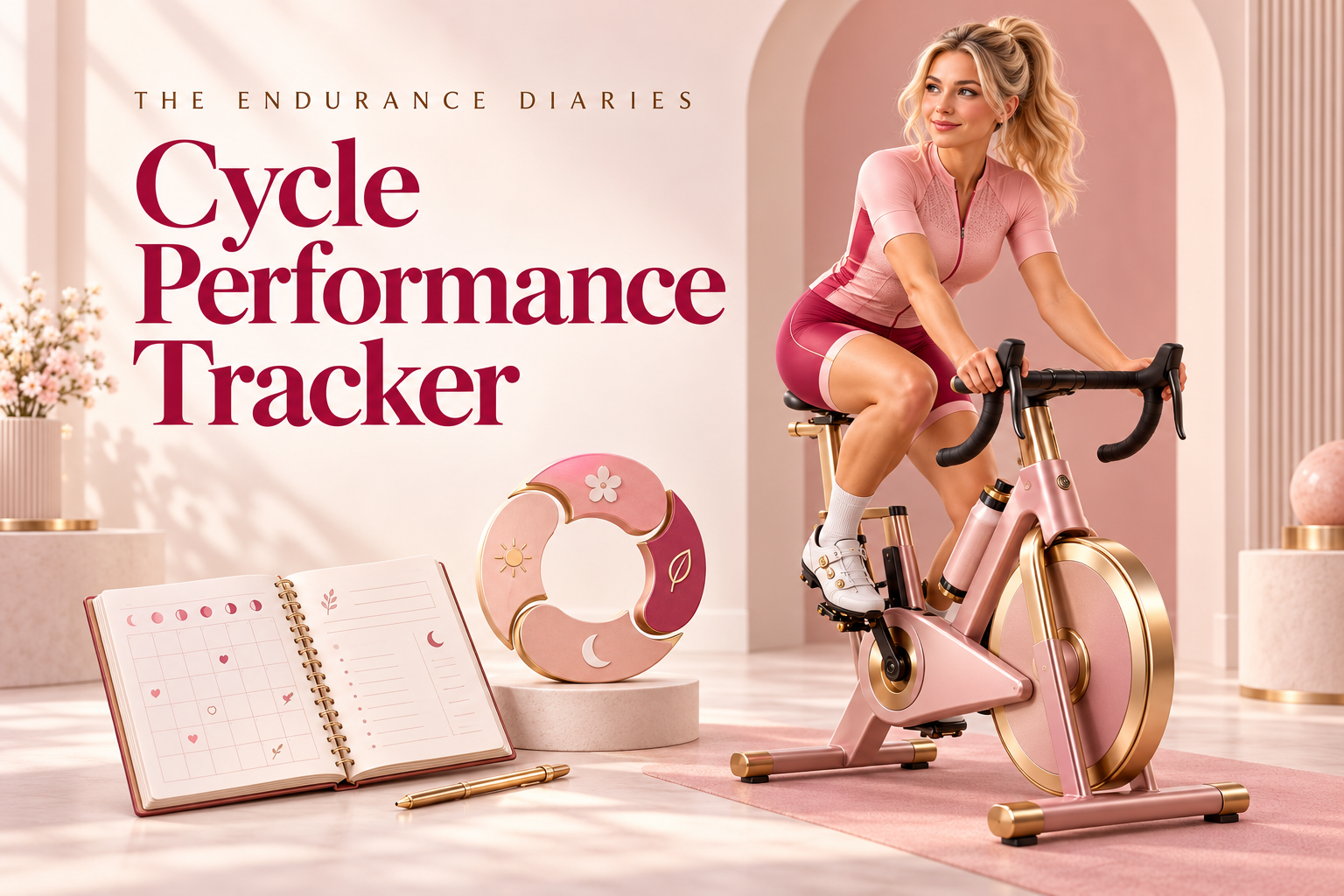
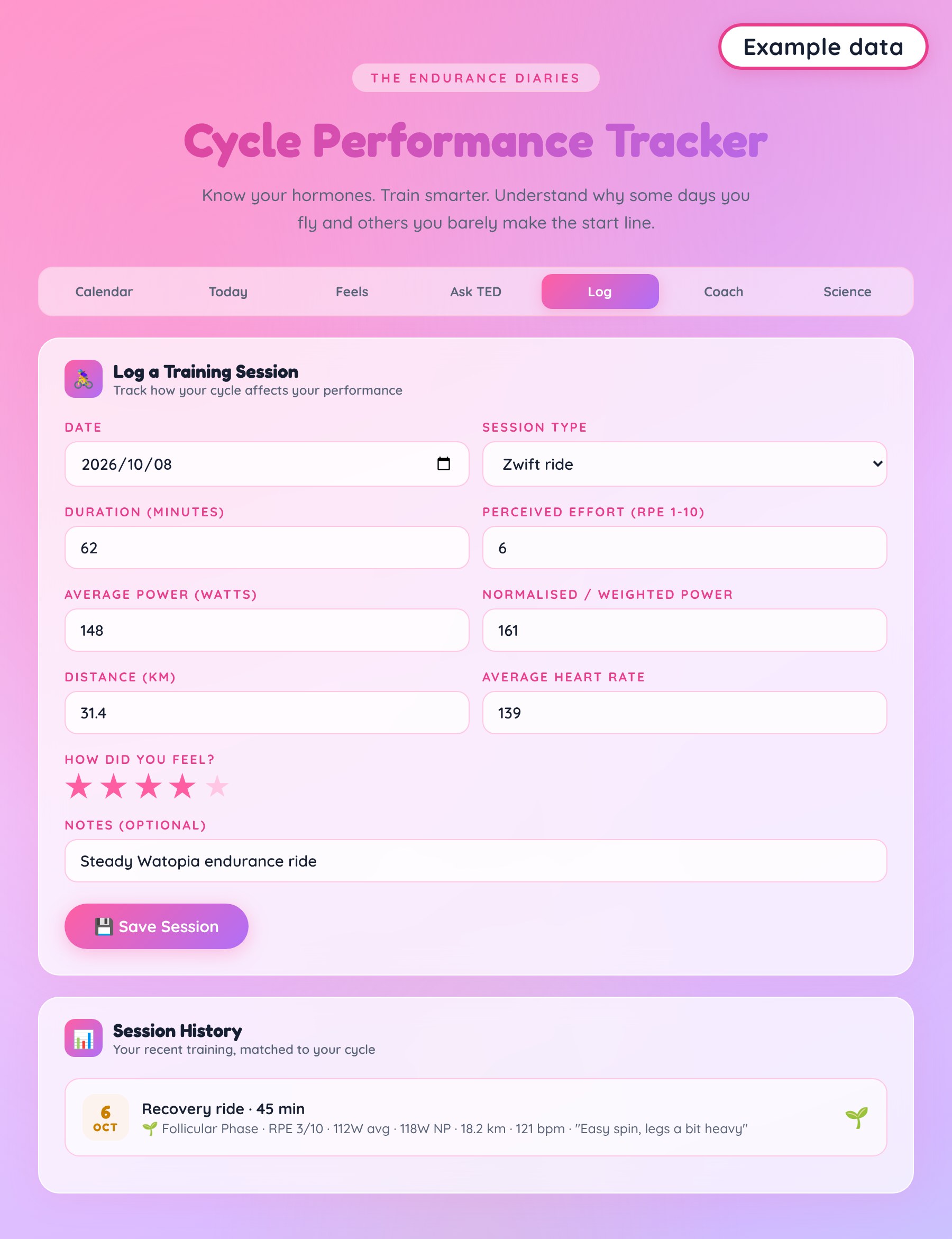
The improved Cycle Performance Tracker helps you connect your training with your cycle, so you can spot patterns, protect your recovery, and make smarter Zwift and endurance training decisions.
- Calendar: a color-coded month showing your estimated cycle phases. Tap any day for phase guidance.
- Today: your cycle day, current phase and tailored training tips.
- Feels: log period flow, energy, mood and symptoms.
- Log: record Zwift rides, outdoor rides, runs, intervals, recovery rides, races, strength and rest days, with duration, RPE, power, distance, heart rate, a star rating and notes.
- Coach: next-period estimate, your current phase, an FTP estimate from your logged power, and a phase-by-phase summary of your sessions.
- Ask TED: built-in answers to common questions about training through your cycle.
- Science: the research behind each phase, with nutrition and training guidance.
- A single HTML file download that’s easy to save and use on your own device.
This replaces the older tracker download with the improved version.
🩷Good to know🩷
- Accounts and costs. R129 buys a single HTML tracker download. There’s no login, account, or paid subscription, and no connection to Strava or any other app. All logging is manual.
- Devices and browsers. Use a desktop or laptop browser with JavaScript and browser storage enabled. The layout adapts to smaller screens, but opening and saving local HTML files varies on phones and tablets. Compatibility with every iPhone, iPad, or Android device has not been verified. Open the downloaded HTML in a browser, not a file-preview app.
- Getting started. Save the HTML file in a folder you can find again. Open it in your browser and enter:
- your last period start date
- your cycle length
- your period length
- your sport
Then choose “Start Tracking My Cycle”. To log training, open the Log tab, enter your session, and choose “Save Session”. The tracker works offline once you have the file. Without an internet connection, it uses your device’s standard fonts.
- One session per date. The Log keeps one session per date. Saving a new session on a date that already has one replaces it. The same applies to Feels entries.
- Saving your entries. Entries are stored in that browser on that device when storage is available. They are not written into the HTML download. Reopen the same file in the same browser and profile. There is no account-based sync across devices. Clearing browser data, private browsing, changing browsers, or moving the file can leave your saved entries unavailable. Save a test entry, then reopen the file to verify that your setup retains it.
- Keep a separate back-up. This version has no built-in data export, restore, or automatic cloud backup. Keep a copy of the original download, and regularly copy important entries into a separate document or take screenshots. Copying the HTML file alone does not back up your logged history. A document or screenshot is a reference copy, not a file you can import back into the tracker.
- Not medical advice. Phases are estimated from the average cycle and period lengths you enter, so they may not match your actual cycle. This tracker is an educational planning tool. It is not a medical, fertility, or contraception tool. See a healthcare provider for medical concerns.
- Digital download. Nothing is posted to you. If you need help opening the file on your device, contact us before buying.

Reviews
There are no reviews yet.