The shoes you own. The history you keep.
Start where you are
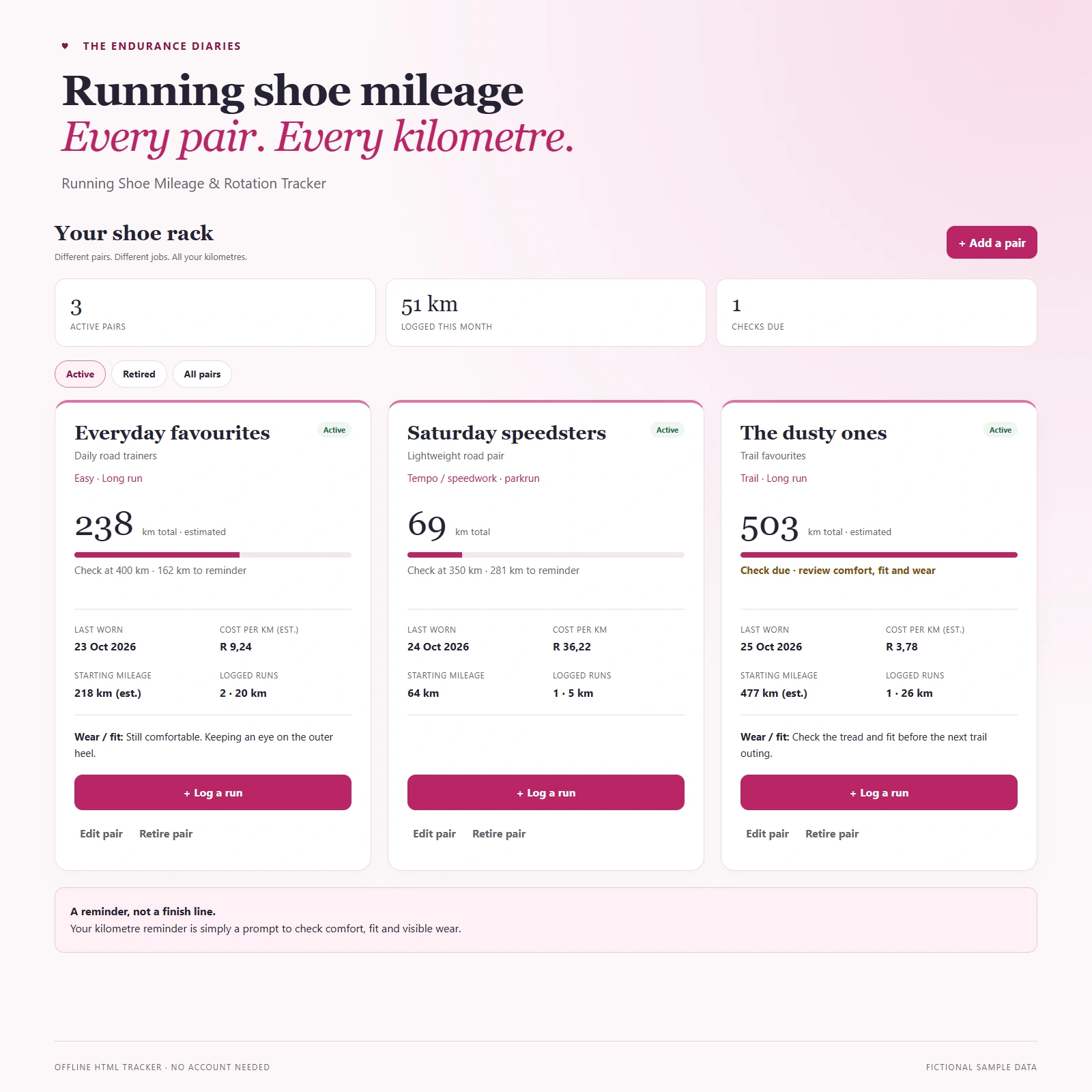
Enter the kilometres already on your shoes, and mark estimates clearly. You don’t have to wait for a new pair to start.
Retire a pair, keep the memories
Move old favourites to Retired while keeping their mileage, runs and notes. Reactivate them whenever you need to.
What you get
- Track multiple pairs: active and retired shoes, with purchase details, purposes and wear notes.
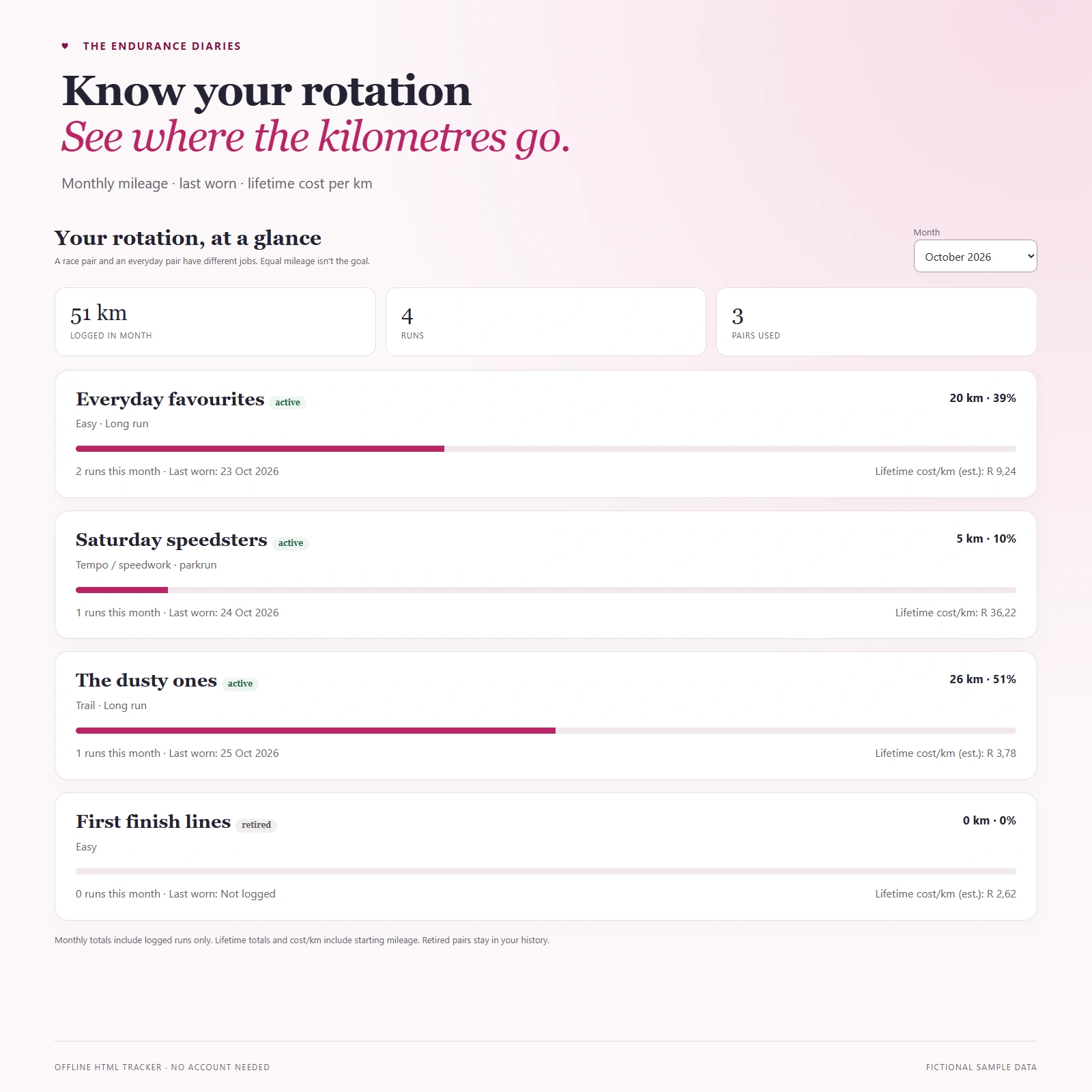
- Starting mileage, lifetime kilometres, monthly rotation and cost per km.
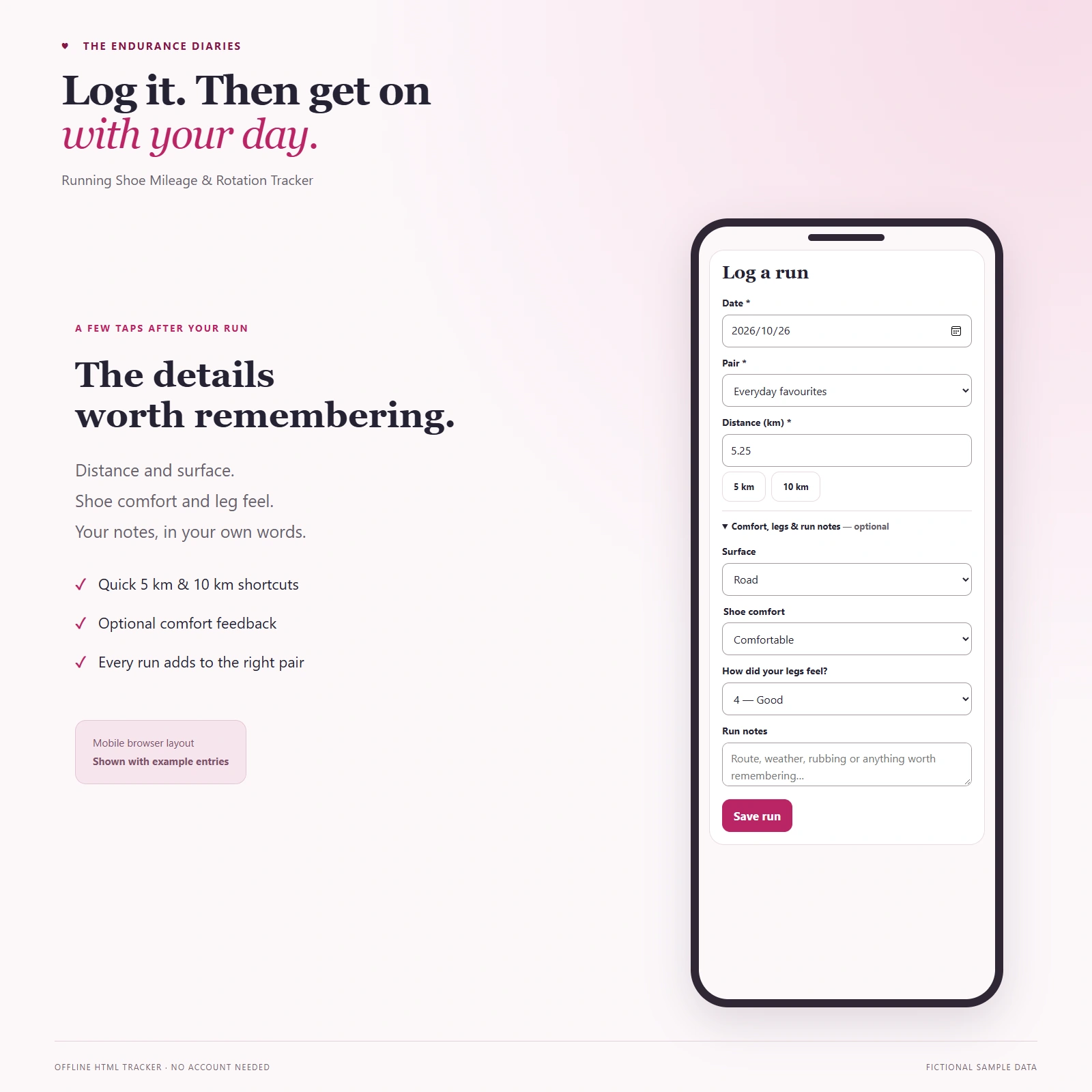
- Quick run logging with 5 km and 10 km shortcuts, plus optional surface, shoe comfort, leg feel and notes.
- Your own kilometre reminder to check comfort, fit and visible wear — not a predicted shoe lifespan.
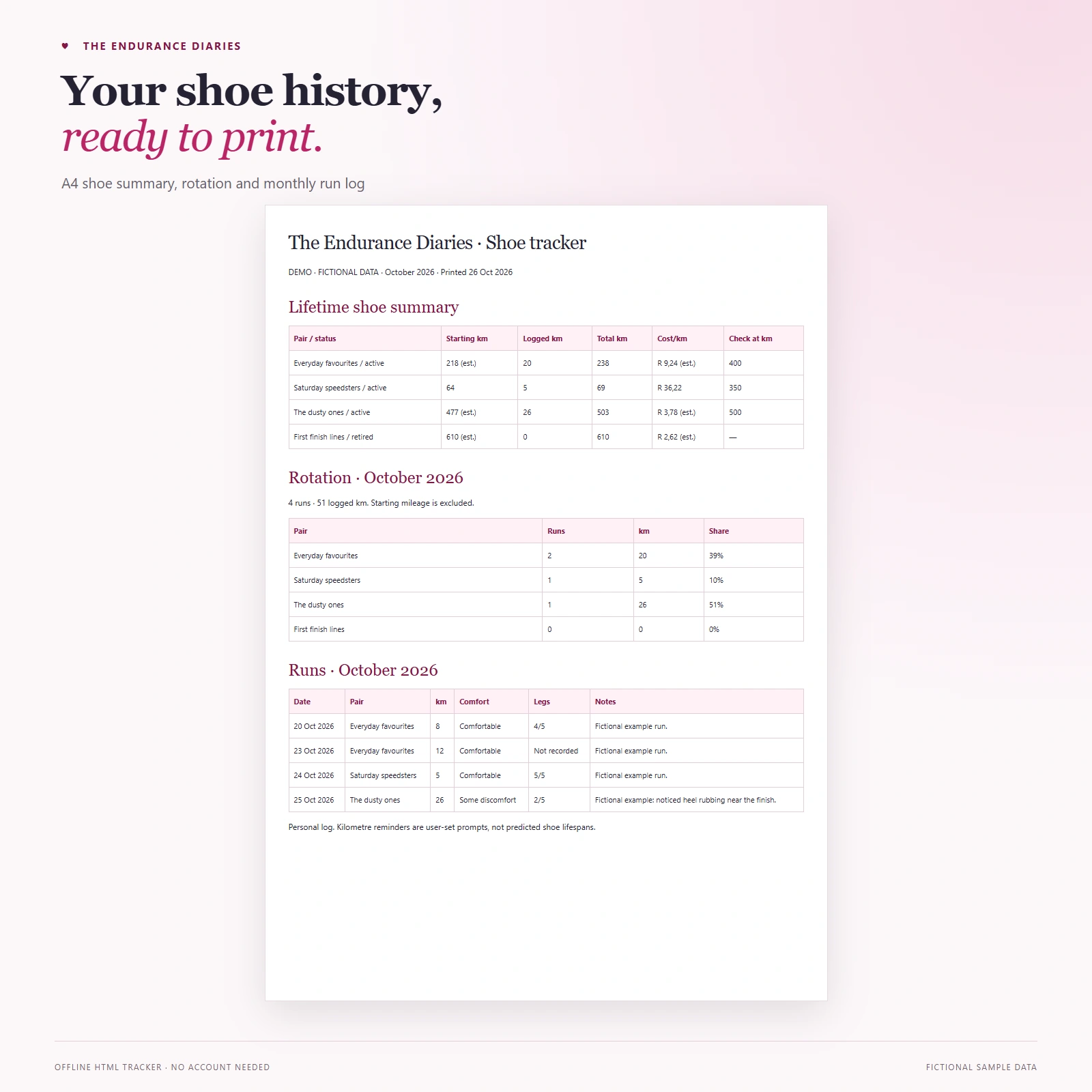
- JSON backup export/import, CSV export and an A4 monthly print/Save as PDF option.
Starting mileage contributes to lifetime totals, not monthly logged distance.
Open it. Save it. Back it up.
- Save the HTML file in a folder you will keep, then open it in your desktop browser. Keep using the same file, browser and browser profile, and only one open tracker tab at a time.
- Add your shoes and runs. Entries save in the browser’s local storage, not inside the downloaded HTML file.
- Export a backup. Go to Backup & help → Export backup, then check the JSON file downloaded. Back up before clearing browser data, moving/renaming/replacing the HTML or changing device.
- Restore when needed. Choose your backup file, check the preview and confirm. Restore replaces the destination log; it does not merge it.
The downloaded tracker works offline and does not send your entries to us. It saves them in this browser. Export a backup regularly.
Personal log only. If something hurts, chat to a physio or doctor.
Updating an older copy
- Export a JSON backup from the old tracker and check that it downloaded. Close every old tracker tab and window.
- Open the newly named updated HTML in the same Windows Edge or Chrome browser and profile. In the tested versions, existing records appeared automatically. Check every pair, run, note and total before adding anything.
- If the tracker is empty, use Backup & help → Choose backup file, check the preview and confirm. Restore replaces the destination log; it does not merge it. If records are partial or different, export that log separately and ask for help before restoring.
- Close and reopen the updated file to check persistence. Keep your old HTML and backup for recovery, but continue logging only in the updated file.
Automatic transfer can vary with browser settings. Offline copies do not update themselves: existing buyers must download the approved update. There is no cloud sync.




Reviews
There are no reviews yet.